
Saltmate Chlorinator Manual: Download, Switches, Timer and Care

- The Saltmate chlorinator manual for the RP and SMT ranges, free from Saltmate
- How to set the Saltmate chlorinator timer: clock, programs and key lock
- Switch settings, salt levels, cell cleaning and warranty
- 16 programs on the Saltmate chlorinator timer
- 8hrs a day from the factory
- 5,000 ppm: Saltmate's ideal salt
- 4,000 ppm: never below
- 2yrs conditional warranty on the cell
- 45°C maximum water through the cell
Saltmate Chlorinator Manual: The Short Answer
The Saltmate chlorinator manual is Saltmate's "Operating Manual, Auto-Clean, Standard and Pool Light Models", a free PDF on Saltmate's support page. One book covers the Deluxe Auto-Clean range (RP20, RP30, RP40) and the Deluxe Saltwater range (SMT50, SMT90, SMT120, SMT150, SMT200).
A Saltmate is run with two switches, an output dial and a digital timeclock. Saltmate wants salt at 5,000 ppm and never below 4,000. Below are the switch settings, how to set the Saltmate chlorinator timer, the water figures, cell care and the warranty, all from the manual.
Where to Download the Saltmate Chlorinator Manual
Saltmate keeps the Saltmate chlorinator manual on its own site, and the same file is on retailers' sites.
| Item | Detail |
|---|---|
| Title | Operating Manual, Auto-Clean, Standard and Pool Light Models |
| Covers | Deluxe Auto-Clean RP20, RP30, RP40 and Deluxe Saltwater SMT50, SMT90, SMT120, SMT150, SMT200 |
| Kit | Power pack, wall bracket, salt cell and housing, operating manual |
| Where Saltmate links it | Saltmate support page |
| Direct PDF | Saltmate chlorinator manual, PDF |
The copy on Saltmate's site is byte for byte the same as the one a large retailer hosts. Saltmate Australia's ABN is printed in it: 77 115 408 010.
RP or SMT, and which Saltmate chlorinator timer you have
Both ranges use the same Saltmate chlorinator timer, the 24 hour digital timeclock. RP models are the Deluxe Auto-Clean range. Their cells reverse polarity to clean themselves. SMT models are the Deluxe Saltwater range, whose cells the manual says to inspect weekly at first and usually clean monthly.
The controls the Saltmate chlorinator manual names
A chlorine output and salt indicator, the chlorine output control, a no water flow indicator, a cell switch (ON or OFF), a pump switch (AUTO, OFF or MANUAL), the 24 hour digital battery backup timeclock, the cell lead junction box, a 240 volt socket for the filter pump only, and a 3 amp circuit breaker.
Installation in the Saltmate Chlorinator Manual
Page 3 of the Saltmate chlorinator manual covers the power pack and the cell.
- The power pack is weather protected to IP34. Mount it 1 to 1.5 metres above the ground, where the cell lead can reach the junction box.
- Choose a well ventilated spot with no pool chemicals, especially acid, stored nearby. The manual says the fumes may damage vital parts.
- Plug only one filter pump into the socket under the power pack.
- Plumb the cell last, just before the return to the pool, where it can be removed. Water should enter at the end closest to the cell lead.
- Keep the cell horizontal, so gas bubbles are trapped in the housing when the pump stops.
- Connect the cell lead in the junction box blue to blue, brown to brown and black to black, then replace the cover.
Start-Up and Salt From the Saltmate Chlorinator Manual
Saltmate asks for more salt than most makers. These are its figures and start-up steps.
Get the salt right first
Minimum 4,000 ppm. For a pool new to salt, the ideal 5,000 ppm takes 50 kg per 10,000 litres, so a 50,000 litre pool needs 250 kg.
Saltmate chlorinator manual, page 4If you raised the salt
Super chlorinate with liquid chlorine or sodium dichlor to 3 to 4 ppm, turn the cell switch off, and run the pump on MAN for at least 24 hours. Then turn the cell on and set the pump to MAN or AUTO.
Saltmate chlorinator manual, page 4Start the pump, then the cell
Switch on at the mains. Put the pump switch on MAN, and once the pump has primed, turn the cell switch on.
Saltmate chlorinator manual, page 5Check the salt with the dial
Turn the output control to 100%. If it will not reach 100%, check for low salt. On an SMT model, if the indicator reaches the red overload area because salt is high, turn it down into the blue zone.
Saltmate chlorinator manual, page 5Set the output and test
Set the output at 80 to 100%, then test the free chlorine after 24 to 48 hours and adjust. Saltmate recommends 1 to 3 ppm of free chlorine.
Saltmate chlorinator manual, page 5
Switch Settings and the Saltmate Chlorinator Timer
The Saltmate chlorinator manual prints a table of switch positions for each job. Getting this right is half of using the Saltmate chlorinator timer.
| Job | 240 V supply | Cell switch | Pump switch |
|---|---|---|---|
| Run on the Saltmate chlorinator timer | On | On | AUTO |
| Run by hand | On | On | MAN |
| Vacuum or backwash | On | Off | MAN |
| Clean the cell or a cartridge filter | Off, plug removed | Off | Off |
The manual's reminder: after backwashing or cleaning, turn the cell switch back on when normal filtering resumes. To run outside the Saltmate chlorinator timer programs, set the switch to MAN.
How to Set the Saltmate Chlorinator Timer
The Saltmate chlorinator timer is a 24 hour digital timeclock with battery backup and up to 16 programs.
Know the buttons
CLOCK returns to the clock, or held down, adjusts it. TIMER enters program mode and steps through programs. DAY, HOUR and MIN adjust. A reset button clears the timer settings, and an LED shows ON or OFF.
Saltmate chlorinator manual, Setting the timerSet the clock
Hold CLOCK and press DAY until the current day shows. Keep holding CLOCK and press HOUR and MIN to set the time. Release CLOCK to finish.
Saltmate chlorinator manual, Clock modeSet a program
From clock mode press TIMER. The screen shows the program number and ON. Press DAY to choose one of 15 day combinations, then set the ON time with HOUR and MIN. Press TIMER again for that program's OFF time.
Saltmate chlorinator manual, Program modeClear a program
Hold TIMER for 3 seconds to clear the selected program. An unset program shows --:--. A time of 0:00 means midnight and may clash with other programs.
Saltmate chlorinator manual, Timer troubleshootingLock the keys
In clock mode, hold DAY and HOUR together for 6 seconds. Every key except reset is locked. Do the same again to unlock.
Saltmate chlorinator manual, Key lock
The factory Saltmate chlorinator timer settings
Saltmate sets the unit to run every day, twice a day, for 8 hours in all: program 1 on at 06:00 and off at 10:00, program 2 on at 16:00 and off at 20:00.
After a power cut
A replaceable CR2032 lithium battery keeps the programs. The manual notes that after power returns, a program will not start mid-cycle: it waits for the next ON time.
Saltmate chlorinator timer not turning off, or not on
If it will not turn off, check each program's ON and OFF days match, and that no unwanted programs are set. If it will not turn on, check the pump is plugged into the Saltmate and the power point is on, then switch from AUTO to ON to test.
Water and Running Time in the Saltmate Chlorinator Manual
The Saltmate chlorinator manual asks for weekly tests in summer.
| Measure | Saltmate figure |
|---|---|
| Salt | 4,000 to 6,000 ppm, 5,000 ideal, never below 4,000 |
| Free chlorine | 1.5 to 3.0 ppm |
| pH | 7.2 to 7.6 |
| Total alkalinity | 80 to 120 ppm |
| Stabiliser | 40 to 80 ppm |
| Calcium hardness | 100 to 250 ppm |
Why calcium matters to Saltmate
Above the recommended hardness, the manual says the cell makes chlorine less efficiently, needs cleaning more often, and may fail early. It suggests avoiding calcium-based products, including calcium-based granular chlorine.
Running time on the Saltmate chlorinator timer
Hot weather needs longer running, because warmer water and stronger sun break chlorine down faster. If chlorine is low, turn the output up or run longer. If it is high, turn it down or run shorter. The manual suggests super chlorinating by running overnight about once a fortnight in summer.
All models are over-salt protected, whatever the Saltmate chlorinator timer says
The manual says every Saltmate can run with salt above 6,000 ppm, even sea water.
Cell Care in the Saltmate Chlorinator Manual
Saltmate's cleaning advice differs from most makers'. Follow the manual for your unit.
Cell cleaner only
The Saltmate chlorinator manual says to clean the cell only with cell cleaner from a pool shop, and never with hydrochloric acid or a tool such as a screwdriver. Saltmate's support page recommends its own Saltmate Salt Cell Cleaner. Most other makers allow diluted acid, so this is a real difference.
How to clean it
Disconnect the mains power, unscrew the nut at the top of the cell housing and lift the electrode out. Soak it in cell cleaner for 5 to 10 minutes until clean, agitating it to speed things up, then rinse in fresh cold water. Use a silicone-based lubricant on the cell o-ring each time, so the housing does not leak.
Testing chlorine production
With the pump and chlorinator running, test a sample taken at the return outlet and another far from it. The return sample should read much higher. Our guide to when a salt cell needs replacing covers other makers' tests.
If the indicator will not read up
The manual's checklist: clean filter, empty baskets, correct salt, water at least two thirds up the skimmer, power on, circuit breaker set, clean cell.
If the free chlorine is low
Test every level, especially salt, pH and phosphates. Turn the output to 100%. Run the unit longer each day on the Saltmate chlorinator timer. Check that stabiliser is in the water. Then test for chlorine production as above.
No water flow
Saltmate cells carry a sensor that checks for water flow. Without enough flow the unit stops making chlorine until the problem is fixed: the output indicator drops to zero, and RP models also light a no flow indicator, which goes out once flow returns.
How old is the cell?
Saltmate's support page adds that question to its checklist, with the advice to have the cell tested.
Warranty in the Saltmate Chlorinator Manual
The warranty checklist at the back sets out what is covered and what voids it.
- Power pack: 2 year conditional warranty, for domestic use. Commercial or 24 hour use such as public pools, hotels and schools gets 12 months.
- Electrolytic cell: 2 year conditional warranty, plus 36 months pro rata at the recommended retail price.
- Running with less than 4,000 ppm of salt "will destroy the electrolytic cell's anode coating, voiding warranty".
- Water above 45°C must not flow through the cell.
- Saltmate may ask for routine water test results covering the warranty period.
- Register the product at saltmate.com.au/register, and keep the proof of purchase.
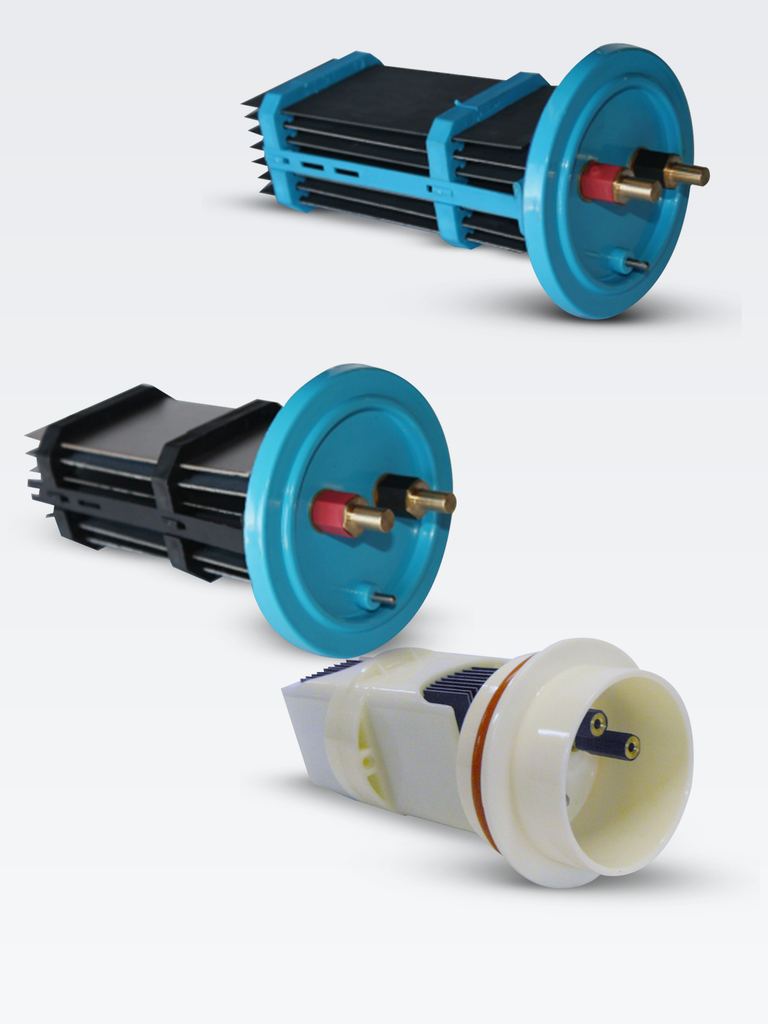
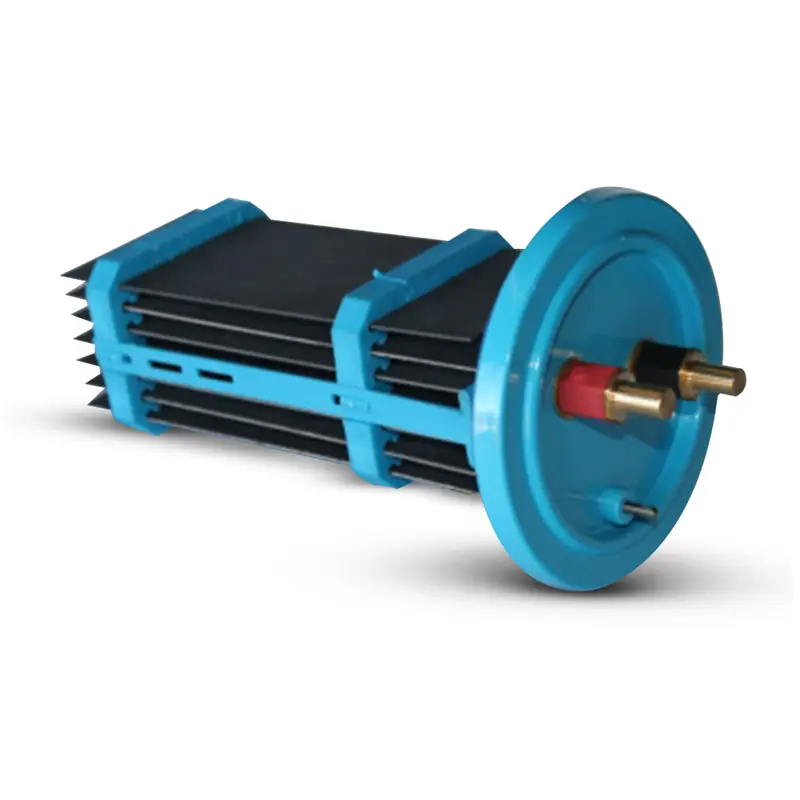
Generic Saltmate Cells We List
Kawana lists these generic cells under the Saltmate name.
| Cell, as listed | Price, delivered |
|---|---|
| Saltmate 90 'O' Ring | $380.96 |
| Saltmate 120 'O' Ring | $424.42 |
| Saltmate 150 'O' Ring | $464.84 |
| Saltmate 110 SC 'O' Ring | $836.33 |
| Saltmate 210SC 'O' Ring | $973.71 |
Generic cells made by Kawana Chlorinator Spares, not by Saltmate. Prices include GST and delivery. The cell names do not map one to one onto the RP and SMT model names, so email us a photo of your cell and its label before ordering.
Saltmate Chlorinator Manual FAQs
Short answers from the Saltmate chlorinator manual, including the Saltmate chlorinator timer.
Where can I download the Saltmate chlorinator manual?
From Saltmate's own support page. The PDF covers the Deluxe Auto-Clean RP20, RP30 and RP40 and the Deluxe Saltwater SMT50 to SMT200.
How do I set the Saltmate chlorinator timer clock?
Hold CLOCK and press DAY to set the day, then keep holding CLOCK and press HOUR and MIN. Release CLOCK to finish.
What are the factory Saltmate chlorinator timer settings?
Every day, 06:00 to 10:00 and 16:00 to 20:00, for 8 hours in all.
How many programs does the Saltmate chlorinator timer have?
Up to 16, each set to repeat on one of 15 day combinations.
How do I clear a Saltmate chlorinator timer program?
Hold TIMER for 3 seconds to clear the selected program. An unset program shows --:--.
How do I lock the Saltmate chlorinator timer keys?
In clock mode, hold DAY and HOUR for 6 seconds. Do it again to unlock. The reset key still works.
Does the Saltmate chlorinator timer keep its settings in a power cut?
Yes. A replaceable CR2032 lithium battery keeps the programs. After power returns, a program waits for its next ON time rather than starting mid-cycle.
Why will my Saltmate chlorinator timer not turn off?
Check each program's ON and OFF days match and that no unwanted programs are set. A time of 0:00 means midnight and can clash with other programs.
How do I run a Saltmate outside the Saltmate chlorinator timer?
Set the pump switch to MAN. Power stays on until you switch back to AUTO.
What salt level does a Saltmate need?
4,000 to 6,000 ppm, with 5,000 ideal and never below 4,000. Below 4,000 the manual says the cell's anode coating is destroyed and the warranty void.
Can I clean a Saltmate cell with acid?
The manual says no: use cell cleaner from a pool shop, never hydrochloric acid or a tool to scrape it.
What warranty does Saltmate give?
A 2 year conditional warranty on the power pack, and on the cell 2 years conditional plus 36 months pro rata at RRP.
Sources We Checked
The Saltmate chlorinator manual, its Saltmate chlorinator timer pages, and Saltmate's pages were read on 28 November 2026, Brisbane time.
- Saltmate, Operating Manual, Auto-Clean, Standard and Pool Light Models
- Saltmate, support page: cleaning and troubleshooting answers
- Saltmate Australia: the current range
Read the Saltmate chlorinator manual, set the Saltmate chlorinator timer, and still think the cell is done? Email the model and a photo of the cell label to info@chlorinatorcells.au, or call 07 3485 0008.